⚡ Summary
Short product demos, ad clips or voiceovers — that's where AI video genuinely saves significant time and money over a traditional shoot. A real person on camera or a complex location shoot is a different story — we get into that below.
A year ago, AI video for business sounded like an experiment. Now the question isn't "can it be done" — it's which specific tasks it actually solves, and where a real camera still wins.
What AI video for business actually is
In short: a neural network generates the video — from text, a photo, or an existing clip — without a traditional shoot. We covered the technology itself in more depth in our glossary entry on AI video; here we focus on the business side.
The main reason small and mid-size businesses care about AI for business use cases: no studio rental, no actor to hire, no week-long wait for an editor. Results are ready in hours, not days.
Where to use AI video
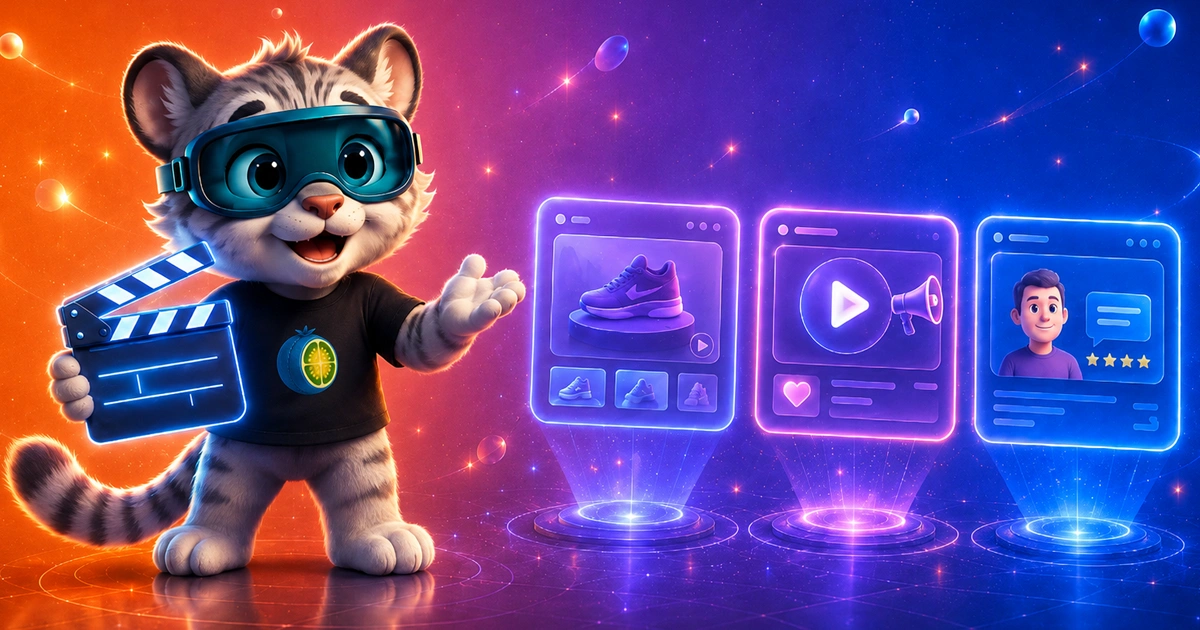
- Product demos. Show a product from every angle, add captions and a voiceover — no photo studio, no camera operator.
- Social media ads. A short clip for Reels or Stories, where grabbing attention fast matters more than cinematic polish.
- Customer testimonials. One important caveat: if a testimonial is generated rather than filmed with a real customer, label it honestly. Passing an AI testimonial off as genuine is a reputational risk, not a shortcut.
Not sure if AI video fits your business?
We'll show examples for your niche and tell you honestly where it works and where it doesn't.
AI in business examples worth knowing
A coffee shop shows how a drink is made without filming inside the actual location. An online school puts together a short course teaser with a host who doesn't exist in real life — and it works, as long as viewers know what they're watching. A clothing store generates a set of short "model in motion" clips for a new drop in one evening instead of a full photo shoot.
What all three have in common: the task is short, repeatable, and doesn't rely on the emotional depth of a live shoot.
When AI video doesn't fit
If a specific real person needs to be on camera — a founder, a craftsperson, a doctor — and the viewer needs to see that exact person, a generated face just undermines trust. Same with a complex location shoot: a restaurant interior, a construction site, an actual production process — a real camera still beats AI on detail and credibility there.
There's a middle ground too: AI as a tool inside a normal edit — removing a background, generating a voiceover, auto-captioning. That often works better than replacing the shoot with generation entirely.
How to brief an AI video
The brief shapes the result more than the tool does. A vague "make something nice about our coffee shop" gets you an equally vague clip. Before you start, answer a few simple questions:
- Who will watch it, and where. A clip for Reels and a clip for a product page on your website differ in format, length and pace.
- One idea per video. What should the viewer remember after 15 seconds? If you have several answers, make several separate videos.
- What has to be in the frame. Your logo, a specific product, the packaging color, the text of an offer. The more precise the list, the fewer revisions later.
- References. Two or three clips you like explain the style you want better than a long description.
- Language and voice. A voiceover in one language or several, what kind of voice, whether you need captions.
A good brief fits on half a page. That's enough for the first version to come out close to what you had in mind.
Where AI video fits in your sales funnel
Not every stage of the customer's path suits a generated clip equally well. AI video does best where you need lots of short variations and want to test them quickly.
- First contact. Social media ads and short clips for the feed. You can make five versions of the same ad and see which one gets more views and clicks.
- Choosing and comparing. A product demo on your site, an explainer of how your service works, answers to common questions in video form. The person is already interested and wants details.
- After the purchase. A short how-to for the product, a welcome message for a new customer, a reminder about your service.
The moment when a customer decides whether to trust you specifically is better left to real people. Genuine reviews and plain footage from your shop or studio do a better job there.
How to tell whether a clip worked
A nice-looking clip and a clip that brings in leads are often two different things. So before launch, decide which number you're going to watch. For ads that's usually clicks and inquiries; for a video on your website, also whether people watch it to the end.
The easiest comparison is with what you already have. If you've been running ads with photos, put an AI clip next to them with the same text and the same audience. After a week or two you'll see which one performs better.
Change one thing at a time. If the new version has a different opening, different text and different music, you won't know what made the difference. Test the opening seconds first: that's when the viewer decides whether to keep scrolling or keep watching.
And don't draw conclusions from a single clip. Sometimes the format that works only turns up on the third or fourth try, and generating a few versions is exactly the cheap part.
How to judge the quality of a finished clip
A generated video can look great on the first watch and give itself away on the third. Before you publish, watch it a few times, ideally on a phone, and check:
- Hands and small objects. This is where generation goes wrong most often.
- Text in the frame. Signs, labels and writing on packaging often come out garbled. Important text is safer to add separately during editing.
- Faces and products across scenes. A character or a package shouldn't quietly change from shot to shot.
- Lips and sound. If someone speaks in the clip, their lip movement should match the voice.
- The voiceover. Listen for stress, your brand name and numbers, especially when the voice is in another language.
A simple test: show the clip to someone who hasn't seen it and ask what caught their eye. If they mention a strange hand instead of your product, the clip needs more work. If you'd rather not check all of this yourself, we offer AI video as a separate service, and when you need clips regularly along with texts and images, there's content outsourcing.
Honesty and rights: the basics
This isn't legal advice, just the basics. The first rule: don't mislead your viewers. If a clip looks like real footage but was generated, say so. Some major social networks already ask creators to label realistic AI content, and the laws on this are still changing from country to country.
Don't use a real person's face or voice without their consent. That goes for celebrities and for your own employees. If you want a digital double of your founder or a craftsperson for your videos, get their written consent.
Check the rights to everything you add to a video: the music and the photos you generate from. A neural network doesn't cancel the copyright on the material it works with.
Cheaper and faster than it sounds
Compared to a traditional shoot, it's significantly cheaper and significantly faster. No studio rental, no actors to pay, no weeks-long wait for editing — the result comes together in a fraction of the time.
The exact price depends on how complex the clip is — the script, the number of scenes, a voiceover in several languages. The simplest way to find out: message us on Telegram, call, or get in touch — we'll show examples for your niche and quote your specific request.